
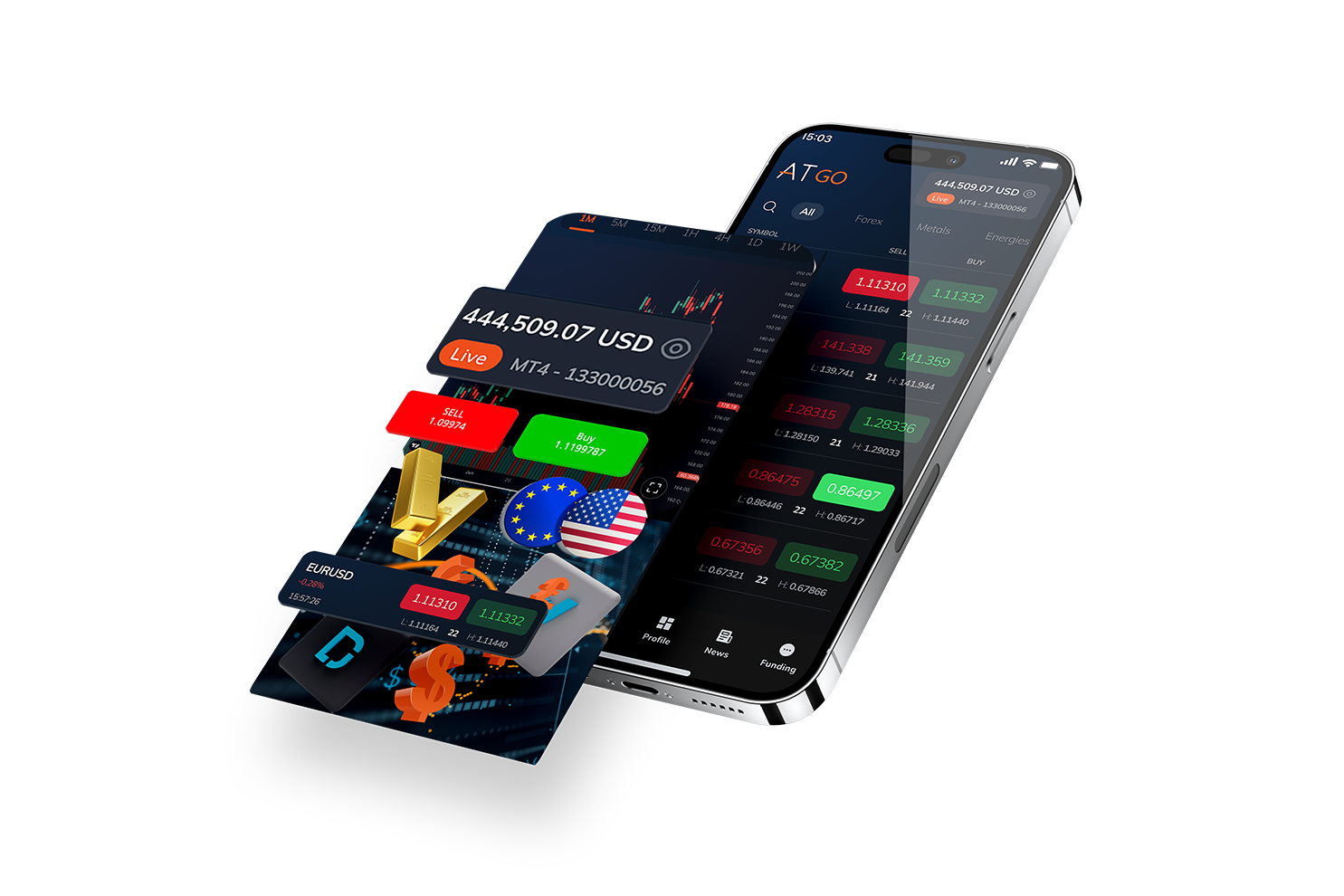



Access, trade, and manage both Platform 4 and Platform 5 accounts seamlessly in one App.
Get started in minutes with a smooth and hassle-free account opening process.
Enjoy hassle-free deposits and withdrawals with diverse payment options.
Stay ahead with real-time updates and dynamic market data at your fingertips.

Trade anytime, anywhere. Our platform never sleeps, so you won’t miss out on any trading opportunities.

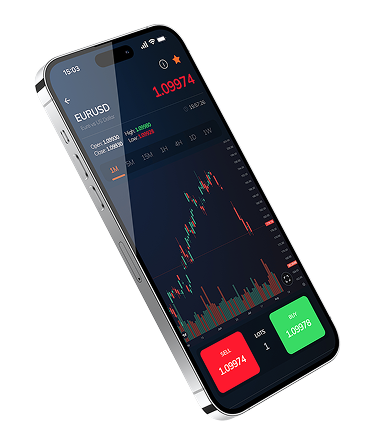
Analyze market trends with our sophisticated charting tools. Visualize data like never before and make strategic trading decisions.

Trade with peace of mind. Our platform uses top-tier encryption to ensure your transactions and personal information are secure.

No need for a steep learning curve. Our platform is designed with simplicity in mind, making it easy for both beginners and seasoned traders.
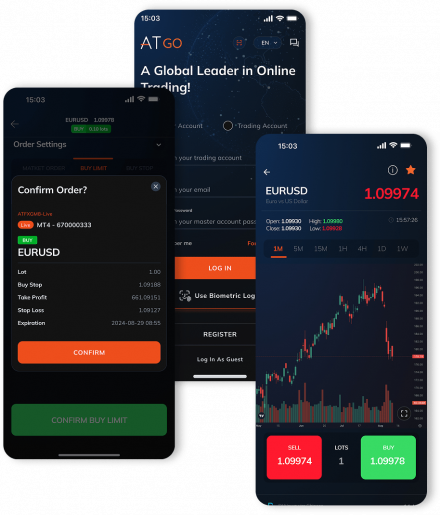
Start your trading journey in a few simple steps. Here’s how:
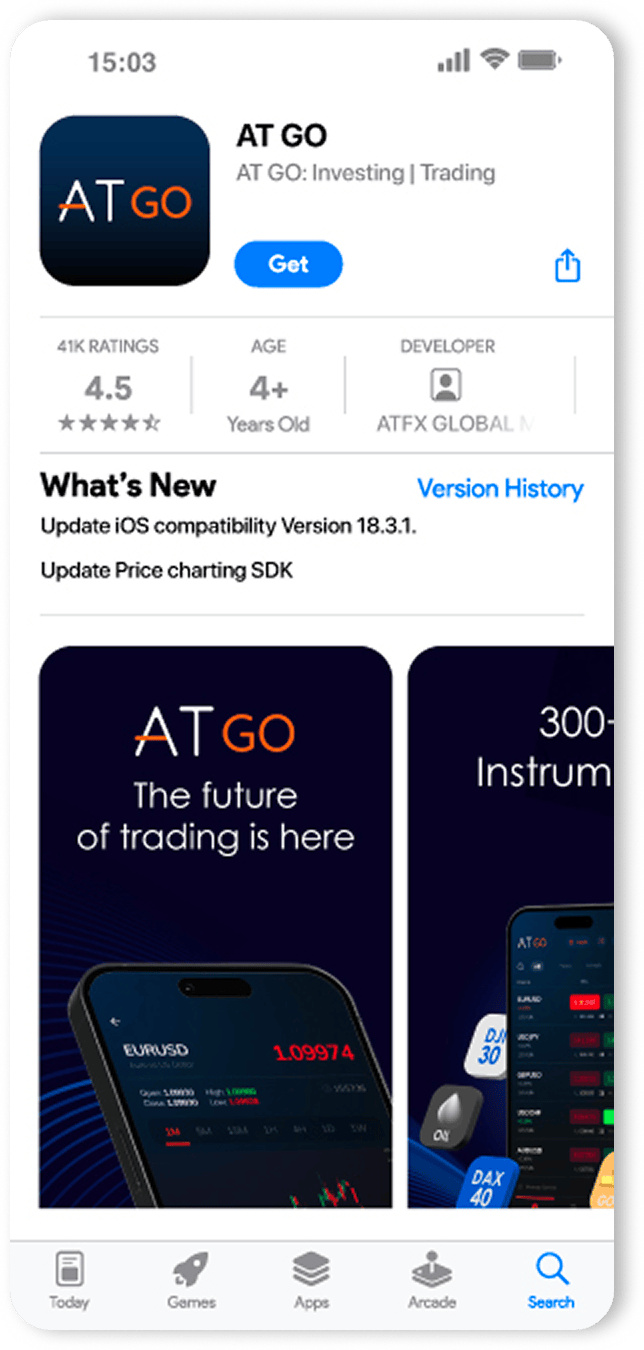
Download our app from the App Store or Google Play.
You’re ready to start trading on the go! If you need assistance, our support team is here to help. Wishing you successful trading!
Download Now


To download the AT GO Mobile App, you can visit the official app store for your device on Apple App Store or Google Play Store and search for “AT GO”. Once you find the app, simply click on the download or install button to begin the installation process.
The AT GO Mobile App is compatible with both iOS and Android devices. It supports iPhone and iPad running iOS 11 and above, as well as Android devices running Android 4.4 and above.
Absolutely! The AT GO Mobile App offers trading opportunities across various asset classes, including but not limited to forex, stocks, indices, commodities, and cryptocurrencies. You’ll have access to a diverse range of financial instruments, allowing you to trade according to your preferences and market opportunities.
To create an account in the AT GO Mobile App, follow these simple steps:
The AT GO Mobile App provides access to a wide range of features available on the web platform. You’ll be able to execute trades, view real-time market data, monitor your portfolio, access charts & tools, and receive notifications about market events, among other features. The app is designed to provide a seamless trading experience on your mobile device.
Yes, the AT GO Mobile App is fully compatible with Platform 4 and Platform 5. If you already have an Platform 4 and Platform 5 account, you can seamlessly sync it with the AT GO Mobile App. This synchronization enables you to access your account, execute trades, and view your trading history across both platforms, providing flexibility and convenience.
No, the AT GO Mobile App itself is free to download and use. However, please note that certain trading activities may incur trading fees or spreads, which are determined by the specific financial instruments and trading conditions. These details can be found in the app’s trading terms or on the ATFX website.
Yes! We understand that starting out as a beginner trader can be overwhelming. That’s why the AT GO Mobile App provides comprehensive support and educational resources to assist you throughout your trading journey. You’ll have access to tutorials, guides, and educational materials to help you understand the basics of trading and improve your skills. Additionally, our customer support team is available to address any specific questions or concerns you may have.
If you lose your phone, it’s important to take immediate action to protect your account and personal information. Here are the steps you can take:
Contact AT GO Mobile App Customer Support: Reach out to our customer support team as soon as possible and inform them about the loss of your phone. They will guide you through the necessary steps to secure your account and prevent unauthorized access.
Change Password: If you haven’t already, change the password for your AT GO Mobile App account through the web platform or by using another trusted device. This step ensures that even if someone gains access to your lost phone, they won’t be able to log in to your account without the updated password.
Monitor Account Activity: Keep a close eye on your AT GO Mobile App account for any suspicious activity. Regularly check your transaction history, open positions, and account settings to ensure everything is as it should be. If you notice any unauthorized activity, contact AT GO Mobile App Customer Support immediately.
Remember, it’s essential to act swiftly to protect your account and personal information when your phone is lost. By following these steps and contacting our customer support team, you can mitigate potential risks and secure your trading account.